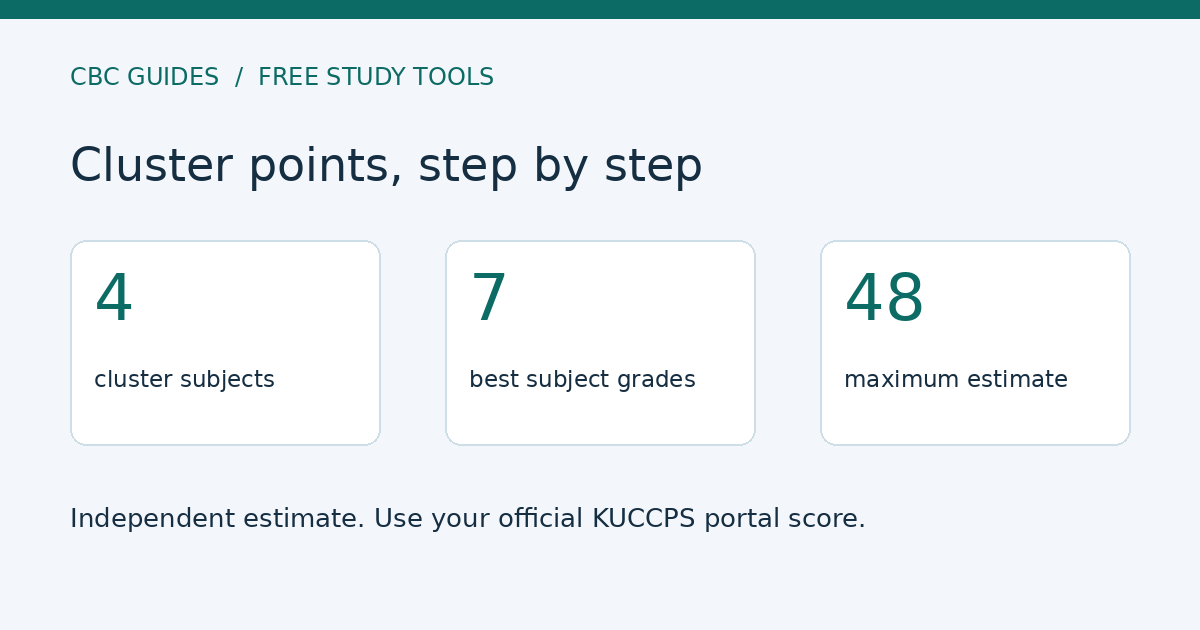
The KUCCPS cluster points calculator below gives a grade-based estimate from four selected cluster subjects and your best seven entered subjects. Choose a programme cluster, enter your KCSE grades, then tick its four required subjects to see the working. It is free and runs on your device.
Important: this is an independent learning tool, not an official KUCCPS calculator. KUCCPS advises applicants to use the weighted cluster points already shown in their portal, rather than calculating their own. Your actual portal score can differ from this estimate. Official cutoffs come from KUCCPS; an estimate cannot confirm eligibility, admission or placement.
Updated 7 November 2026. Official guidance checked on this date.
How does this KUCCPS cluster points calculator work?
It applies the commonly published explanatory formula C = √((r ÷ 48) × (t ÷ 84)) × 48. Here, r is the sum of points for your four selected cluster subjects, with a maximum of 48. t is the sum of your seven highest entered subject points, with a maximum of 84. The result is displayed to three decimal places so you can compare examples consistently, not because it reproduces your official score.
The formula is described in the Kenya Education Guide explanation. It should not be confused with a complete reproduction of the official placement calculation. The official KUCCPS FAQ explicitly tells applicants to check their portal scores instead of attempting to calculate them. We therefore label the output an estimate throughout.
Which cluster subjects should I select?
Start with the exact programme you want, not a guessed combination for a broad career. Open its entry on the official KUCCPS programmes listing and check the four subject requirements, permitted alternatives and minimum grades. Then select the matching subjects in the calculator. Where a requirement permits an alternative, use the subject that meets that requirement; do not count one subject twice.
The dropdown includes Law and Business/Hospitality group labels found in the official programme listings, plus an option for any other cluster. Selecting a label does not fill or validate its requirements. This is deliberate: requirements can differ by programme or change over time, and an unverified preset could mislead you. For another cluster, choose “Another cluster” and use its current four subjects from the portal.
- Enter seven complete, distinct subject-and-grade pairs. Add an eighth or ninth subject if applicable.
- Tick exactly four entered subjects to form the cluster total.
- Select “Calculate estimate and show working”. Check the totals and the calculation shown.
- Use your official portal score, current subject minimums and published cutoffs when making an application.
Grade points used in this estimate
The calculator uses the following 12-to-1 grade-point scale. These are inputs to a learning estimate, not a statement about your placement outcome. Missing, withheld or ungraded results are not converted into zero points; obtain the correct result before using the tool.
| Grade | Points |
|---|---|
| A | 12 |
| A− | 11 |
| B+ | 10 |
| B | 9 |
| B− | 8 |
| C+ | 7 |
| C | 6 |
| C− | 5 |
| D+ | 4 |
| D | 3 |
| D− | 2 |
| E | 1 |
Worked example: four selected subjects totalling 42
Suppose an illustrative set contains Mathematics A (12), Physics A− (11), Chemistry B+ (10), English B (9), Kiswahili B− (8), Geography B− (8) and Business Studies B− (8). This is a mathematical example, not a recommended combination for a particular course.
If the first four are selected as cluster subjects, r = 12 + 11 + 10 + 9 = 42. All seven sum to t = 66. Substitution gives C = √((42/48) × (66/84)) × 48 = 39.799 estimated points out of 48. The extra decimal places do not make it an official score. If you enter additional subjects, only the seven highest entered points contribute to t; the selected four still determine r.
Is an estimate above an old cutoff enough?
No. Cutoffs are not the same thing as minimum subject grades, and last year’s cutoff is not a promise about the next placement cycle. KUCCPS describes a cutoff as the weighted cluster points of the last competitively placed student on a programme. Available places and the competing applicants affect placement. Read our cluster and cutoff points explanation, then our guide to using cutoffs when choosing courses.
For the next step, follow the KUCCPS portal application guide. Return to the KCSE hub for revision and school-leaver guidance or browse all free tools.
Privacy and limitations
No name, index number, login or email is needed. Subject and grade inputs stay in this browser and are not saved by the calculator. Anonymous activity counters record page views, interactions and successful calculations, not the subjects or grades. Changing an input clears the old answer so an outdated estimate is not mistaken for a fresh result. JavaScript is required; the formula and worked example can also be followed on paper.
Frequently Asked Questions
Is this the official KUCCPS calculator?
No. It is an independent grade-based estimate. Use the weighted cluster points provided in your official KUCCPS portal for applications.
Can I enter more than seven subjects?
Yes, enter seven to nine distinct subjects. The estimate uses your seven highest entered grade points for the aggregate and your four selected subjects for the cluster total.
Does choosing a cluster automatically check eligibility?
No. The group label is for reference. You must check the programme’s current four subject requirements, alternatives and minimum grades in the official portal.
Does a high estimated score guarantee placement?
No. Official scores, subject requirements, competing applicants and available places determine placement. Previous cutoffs are guidance, not guarantees.